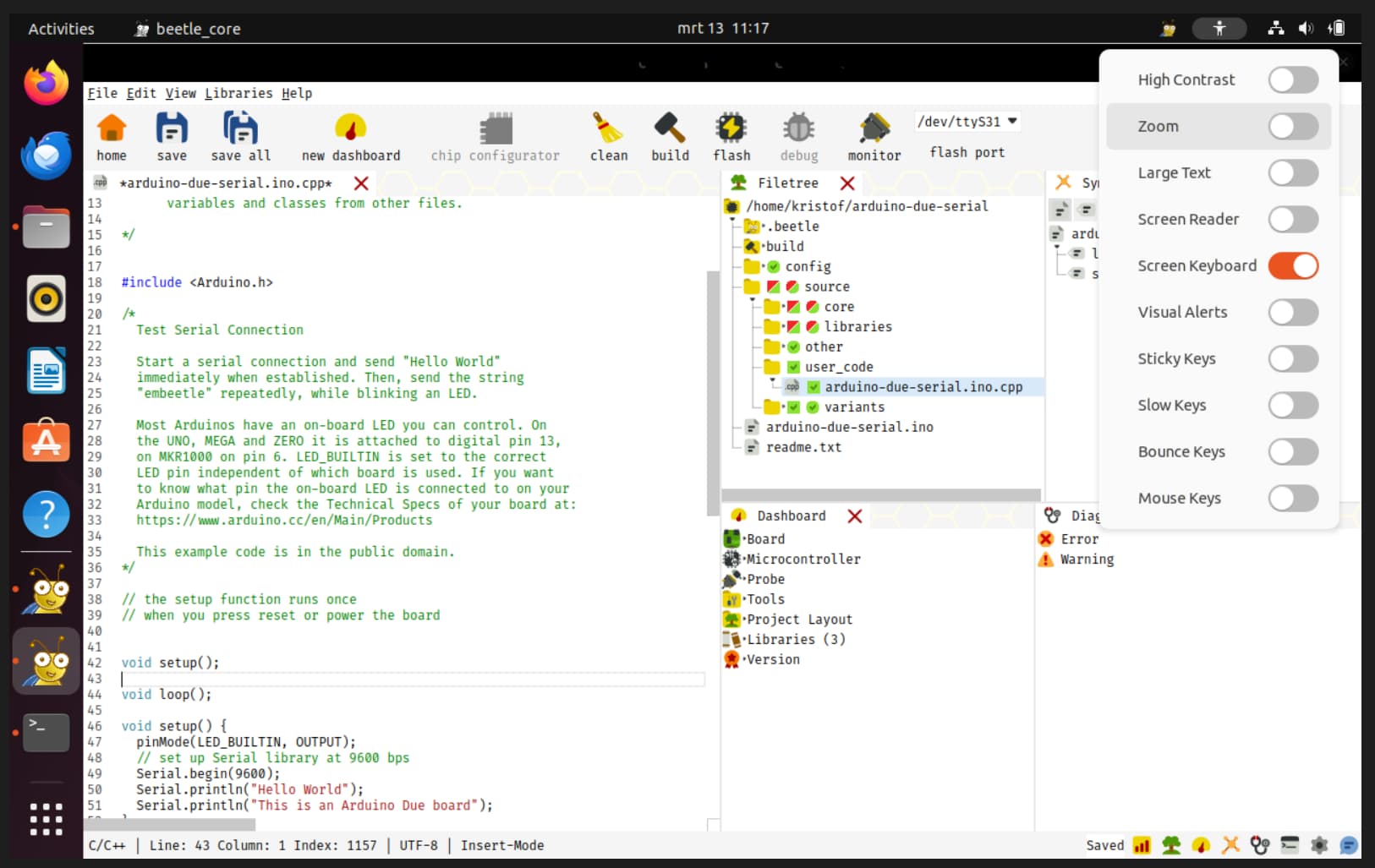
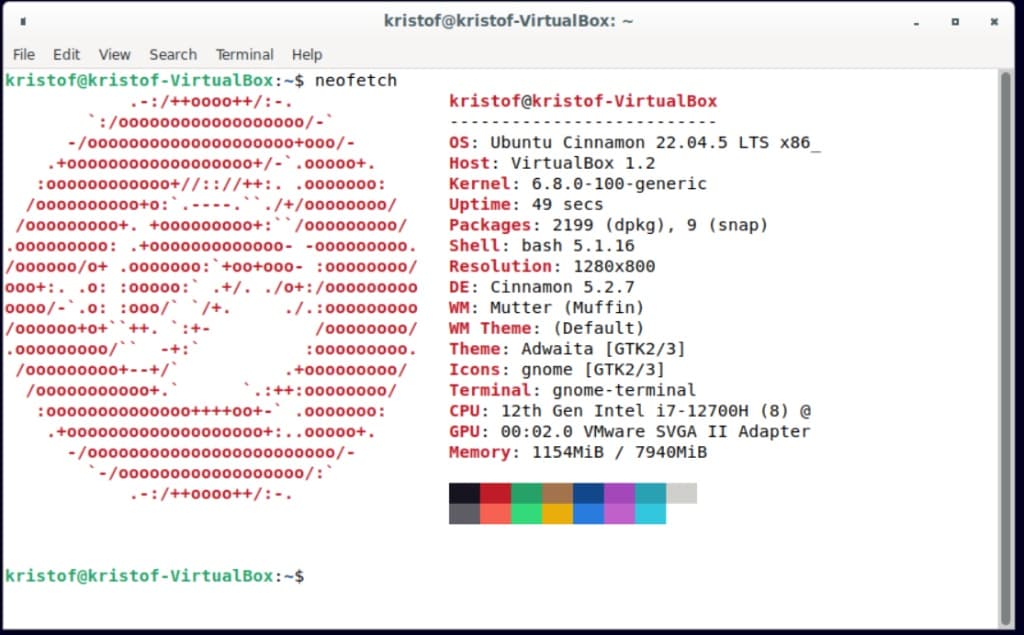
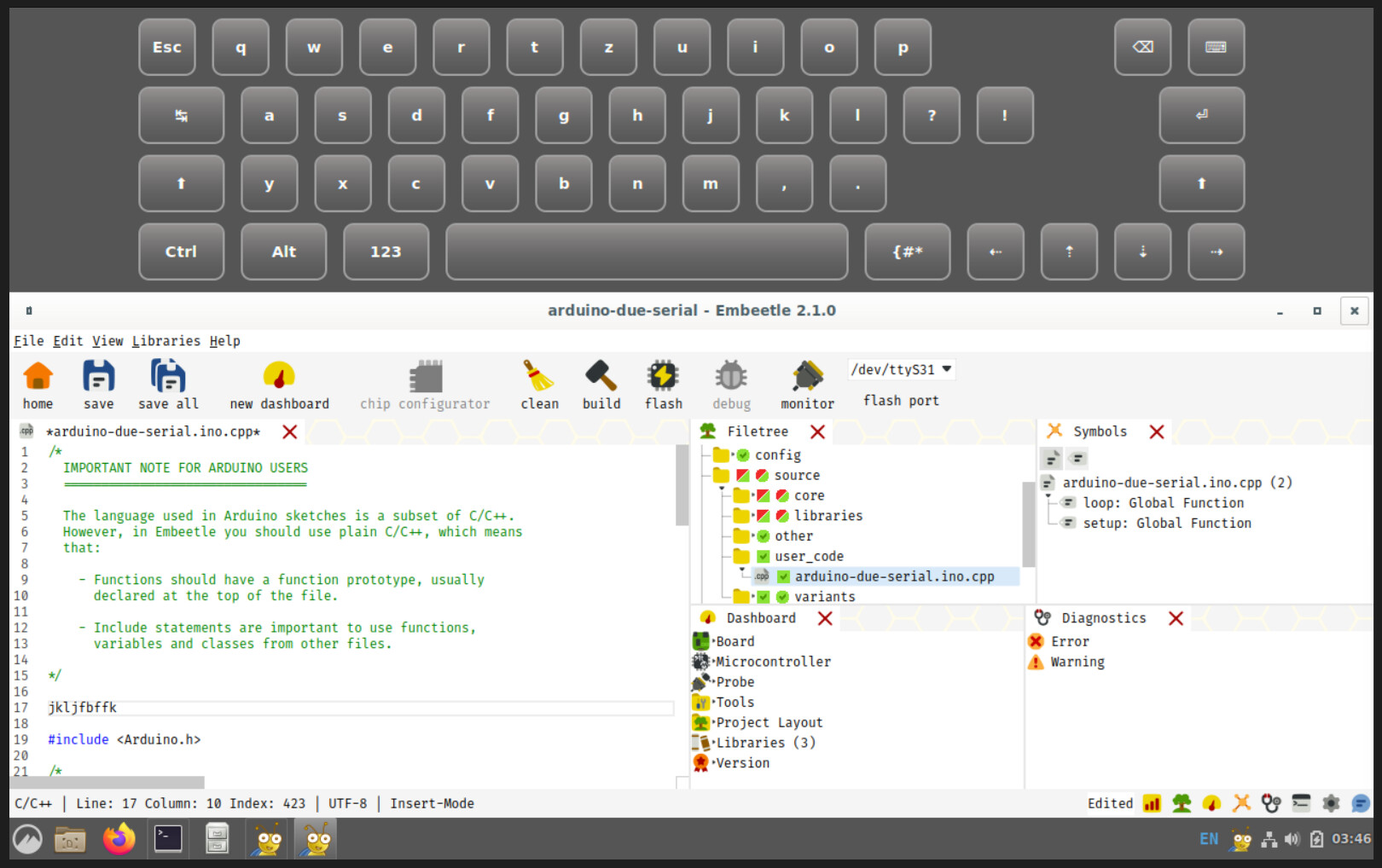
The hard part of debugging this issue is that it seems to occur only with a specific version of the Cinnamon desktop environment.
@kristof You tested with Ubuntu 22.04.5. What desktop environment did you use? Was it Cinnamon 5.2.7?
Also, I would like to verify that Embeetle is now using the correct shared object (.so) files.
To make sure that Embeetle runs on most Linux versions without recompilation, we include in the Embeetle release some shared objects that Embeetle was built against. These can be found in:
embeetle/sys/linux/lib in Embeetle < 2.0.0embeetle/sys/linux-x86_64/lib in 2.0.0 < Embeetle < 2.1.0embeetle/sys/lib in Embeetle > 2.1.0
When Embeetle starts, it internally sets the environment variable LD_LIBRARY_PATH to the correct lib folder, and restarts itself. The initial 2.0.0 version had a bug, causing it to set LD_LIBRARY_PATH to the wrong folder, causing it to load shared objects from the local system, which can be incompatible with Embeetle’s compiled code.
To check, first find the PID of the running Embeetle:
johan@morla:~/work\> ps -ef | grep embeetle
johan    1085222  818829  0 17:58 pts/2    00:00:00 /bin/sh embeetle/embeetle
johan    1085233 1085222  0 17:58 pts/2    00:00:00 embeetle/beetle_core/beetle_core
johan    1085234 1085233  0 17:58 pts/2    00:00:00 embeetle/beetle_core/beetle_core
johan    1085235 1085234  5 17:58 pts/2    00:00:02 embeetle/beetle_core/beetle_core
johan    1085259 1085235  0 17:58 pts/2    00:00:00 /home/johan/work/embeetle/beetle_core/beetle_core /home/johan/work/embeetle/beetle_core/embeetle.py --project=/home/johan/blue-pill
johan    1085260 1085259  0 17:58 pts/2    00:00:00 /home/johan/work/embeetle/beetle_core/beetle_core /home/johan/work/embeetle/beetle_core/embeetle.py --project=/home/johan/blue-pill
johan    1085262 1085260 28 17:58 pts/2    00:00:09 /home/johan/work/embeetle/beetle_core/beetle_core /home/johan/work/embeetle/beetle_core/embeetle.py --project=/home/johan/blue-pill
johan    1085744  818829  0 17:59 pts/2    00:00:00 grep embeetle
There are three processes related to the open project: those with --project= in the command line. Second column in the PID (process ID), third column is the PPID (parent process ID). If you look carefully, you can see that the PID of the first process listed is equal to the PPID of the second process (1085259), which means that the second process was spawned from the first. Same with the second and third process. We need the PID of the process that is not the parent of any other process. Above, this is 1085262.
Then we can check LD_LIBRARY_PATH in that process:
johan@morla:~/work\> tr '\0' '\n' < /proc/1085262/environ | grep ^LD_LIBRARY_PATH
LD_LIBRARY_PATH_ori=
LD_LIBRARY_PATH=/home/johan/work/embeetle/sys/linux-x86_64/lib:
Above, LD_LIBRARY_PATH is set to /home/johan/work/embeetle/sys/linux-x86_64/lib. To know if it is correct on your system:
-
Check where is the lib/ folder in your embeetle installation: it can be at embeetle/sys/linux/lib, embeetle/sys/linux-x86_64/lib or embeetle/sys/lib.
-
Check if LD_LIBRARY_PATH points at that folder.
It is possible that the set of shared objects included in Embeetle is not complete. Selecting the right shared objects is not trivial: some shared objects, like libC, always need to be taken from the local system (and are always available).
Qsci.abi3.so is part of QScintilla (https://qscintilla.com). We ship the version we need as /beetle_core/lib/PyQt6/Qsci.abi3.so. I am not sure what call in our Python code could be invalidated by using a different desktop environment.